
📦 BLN Storage
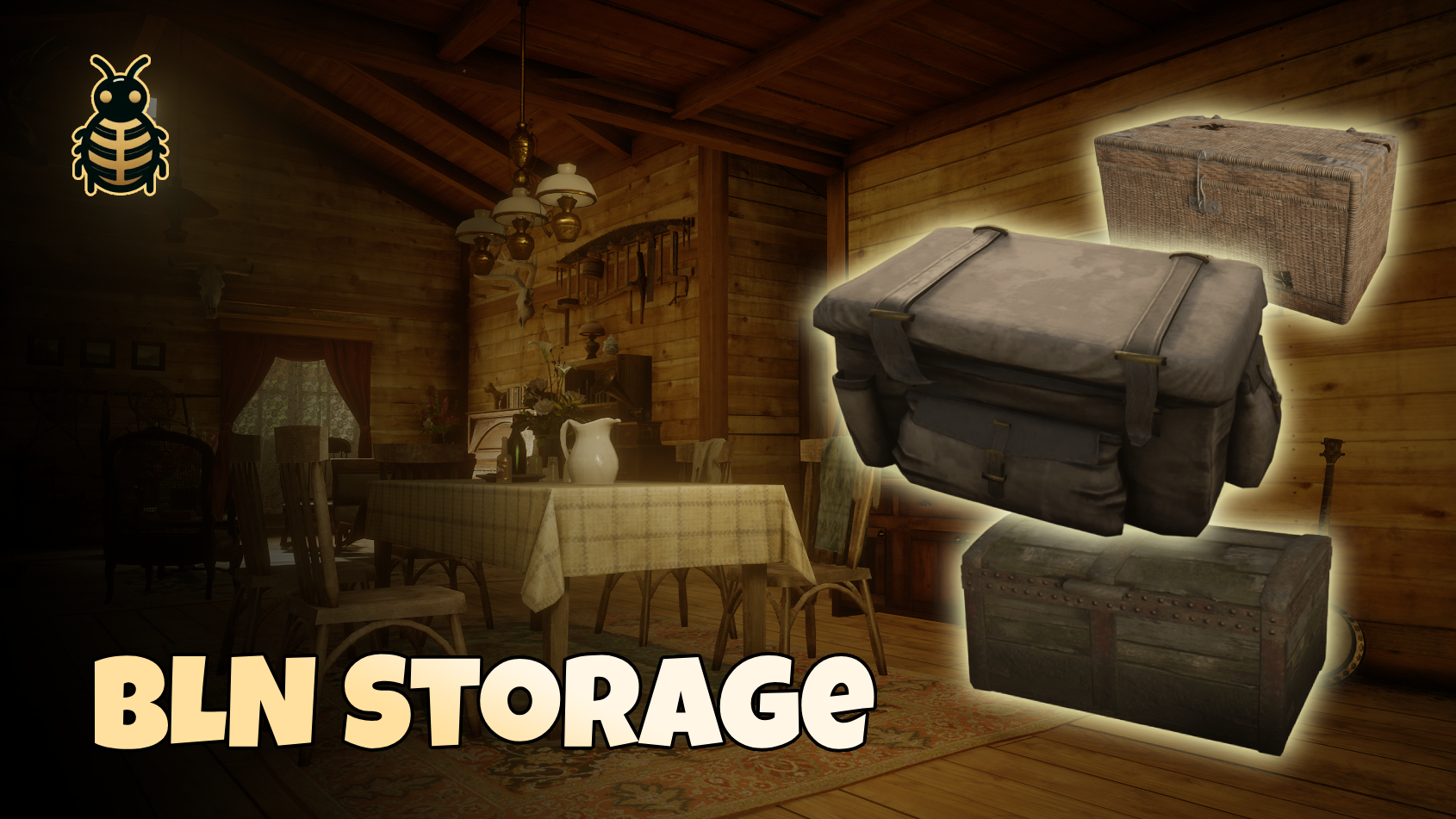
📺 Preview
💰 Buy Now
BLN Storage lets players place chests and safes in the world, set a 6-digit combination, and share a persistent stash tied to that prop. Anyone nearby can try to open or pick up the storage — but only after entering the correct code. Picking up returns the item to inventory; the stash keeps the same identity when replaced.
✨ What can you do with it?
For players
- 📦 Place from inventory — use a configured chest or safe item to place anywhere.
- 🔢 Combination lock — set a code on first placement; enter it later to Open or Pick up
- 🗄️ Shared stash — one custom inventory per placed storage, survives restarts
- 🎬 Immersion — approach animations, chest lid visuals, safe crack sequences
- 👥 synced for everyone — all clients see the same chest/safe; prompts at configurable range
- 🧳 Pick up — hold prompt returns the storage item; contents stay in the linked stash
For server owners
- 🧱 pre-configured items — 12 chest variants + safe; slots, weapons, and labels per type in config
- 🔐 Lockout — max failed attempts and cooldown against brute force
- ⏱️ Unlock sessions — code success grants a timed unlock per character (re-enter code when expired)
- 🚫 Concurrent use — one open or pickup operation per storage at a time by a player
- 🛠️ Admin reset — command to clear a nearby lock and force a new combination
- 🌍 Locale — notifications, prompts, and lock UI strings in one file
- 💾 Auto migrations — no manual SQL import
💻 Framework compatibility
✅ VORP ✅ RSG ✅ Custom
📦 Dependencies
Start these before bln_storage:
| Resource | Notes |
|---|---|
| oxmysql | Required |
| bln_lib | v3.1.7+ |
| bln_notify | Notifications |
⚙️ Installation
- Download and extract
bln_storageinto yourresourcesfolder. - Add items from the config to your framework items db or use your own.
- Add to
server.cfglike:
...
ensure oxmysql
ensure bln_lib
ensure bln_notify
ensure bln_storage
...- Restart the server — database tables are created on first boot.
📁 Config files
| File | Purpose |
|---|---|
config/main.cfg.lua | Storage types, interaction distance, prompts, lock rules, admin command, debug |
config/locale.cfg.lua | All player-facing strings (notify, prompts, lock UI) |
Storage types
Each entry in Config.StorageTypes defines one placeable variant:
| Field | Meaning |
|---|---|
item | Usable inventory item name |
model | World prop model |
label | Stash display name in inventory UI |
maxSlots | Custom stash capacity |
acceptWeapons | Whether weapons can be stored (safe: true) |
shared | Shared stash for all characters (true recommended) |
chestAnimTier | Optional 'med' or 'lrg' for chest open/close animations |
Default pack includes ornate, wooden, hunter, ice, log, wicker, wedding, bed, crate, trunk chests, plus a safe with higher capacity and weapons allowed.
Example (shortened):
chest_wood = {
    item = 'chest_wood',
    model = 'p_chest01x',
    label = 'Wooden Chest',
    maxSlots = 50,
    acceptWeapons = false,
    shared = true,
},

safe = {
    item = 'safe',
    model = 'p_safe01',
    label = 'Safe',
    maxSlots = 300,
    acceptWeapons = true,
    shared = true,
},
Add a new type by copying a block, registering the item in your framework, and restarting bln_storage.
Lock & sessions (Config.lock)
| Option | Default | Description |
|---|---|---|
digits | 6 | Combination length |
maxAttempts | 5 | Failed tries before lockout |
attemptCooldownMs | 30000 | Lockout duration |
sessionTtlMs | 15 min | How long unlock lasts after correct code |
placementTokenTtlMs | 2 min | Placement session if player cancels |
stashSessionMaxMs | 45 min | Auto-release orphaned “open stash” locks (0 = off) |
Combination hashes use a server salt. Optional extra secret in server.cfg:
set bln_storage:lock_pepper "your-long-random-string"Interaction (Config.interaction)
| Option | Description |
|---|---|
distance | Prompt range |
scanIntervalMs | Nearest-storage scan rate |
prompts.open | Key + hold for open |
prompts.pickup | Key + hold for pickup |
Key hashes use sh/keys.lua (same style as other BLN resources).
Admin (Config.admin)
Config.admin = {
    command = 'storagereset',
    allowIf = function(source)
        return IsPlayerAceAllowed(source, 'bln.storage.admin')
    end,
}
⚠️ Replace the default
return truebefore production.
🤝 Support
- 💬 Discord
Built with ❤️ by BLN Studio