
📍 BLN Multi Coords
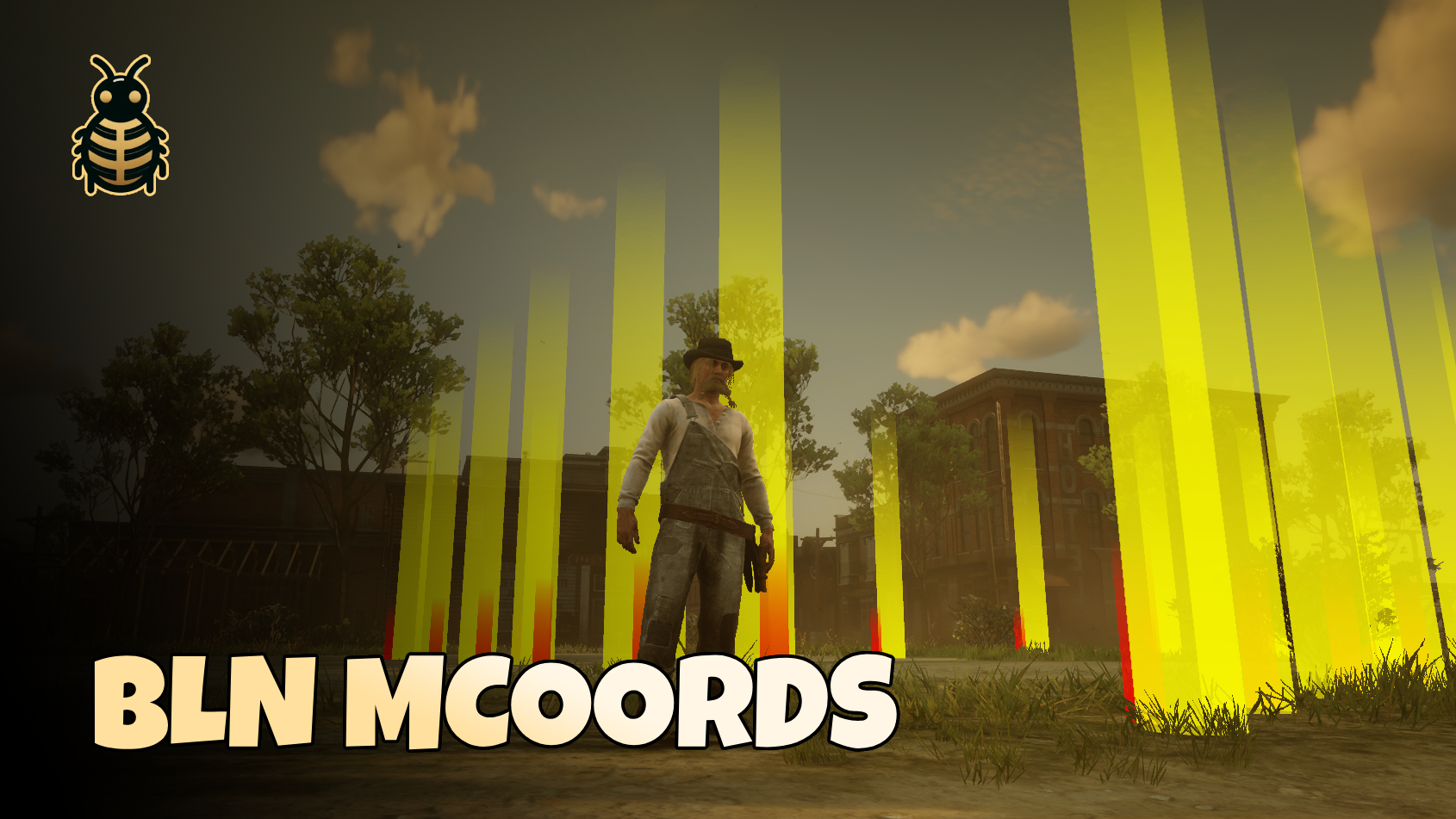
📺 Preview
🔽 Get it Now
BLN Multi Coords is a lightweight developer tool for RedM. Walk the map, drop points with heading, then finish to get a ready-to-paste Lua table. Choose vector2, vector3, or vector4 output in config — collection always stores full position and heading in-game.
✨ Features
- 🎯 Simple collection — ENTER adds your current position and heading
- 🎨 Visual markers — Yellow position markers and red heading indicators
- 🚫 Duplicate guard — Blocks points closer than 1.0 units apart
- 📋 Results card — Dark NUI panel with Copy (CEF-safe click) and Collect again
- ⚙️ Export format — Configurable v2, v3, or v4 clipboard text
- ⚡ Standalone — No framework or extra dependencies
⚙️ Installation
- Download from GitHub and extract
bln_multicoordsinto your resources folder - Add
ensure bln_multicoordsto yourserver.cfg - Adjust
config.luaif you want a different export format - Restart the server (or
ensure bln_multicoordsfrom console)
🎮 Usage
Command
| Command | Description |
|---|---|
/mcoords | Start collecting coordinates |
Controls
| Input | Action |
|---|---|
| ENTER | Add current position and heading |
| BACKSPACE | Finish and open the coords card |
| Copy (on card) | Copy the Lua table to clipboard |
| Collect again (on card) | Start a new collection run |
| X or Esc (on card) | Close the card and return to the game |
Visual feedback
- Yellow markers — collected positions
- Red markers — heading direction for each point
- On-screen hints while collecting
🛠️ Configuration
| Option | Type | Description |
|---|---|---|
CopyFormat | string | Output shape: v2 (x,y), v3 (x,y,z), or v4 (x,y,z,heading) |
CopyDecimals | number or nil | Decimal places in copied numbers; nil keeps full precision |
📄 Example output
With Config.CopyFormat = 'v4':
lua
{
    vector4(-1245.12, 2687.32, 62.94, 175.45),
    vector4(-1267.89, 2699.54, 63.12, 89.67),
    vector4(-1289.34, 2701.87, 63.45, 265.89),
}
With v3 or v2, the same table uses vector3(...) or vector2(...) lines instead.
💡 Notes
- Points within 1.0 units of an existing point are ignored
- After BACKSPACE, use Copy on the card — a real click is required for clipboard access on recent CEF builds
- Collect again restarts collection without retyping
/mcoords - Markers only show while you are actively collecting
🤝 Support
Need help? Have questions? Join our Discord server for support and updates!
- 💬 Discord: Join Our Community
- 🎮 Live support and community help
- 🔄 Regular updates and improvements
Built with ❤️ by BLN Studio