
📋 BLN Scoreboard
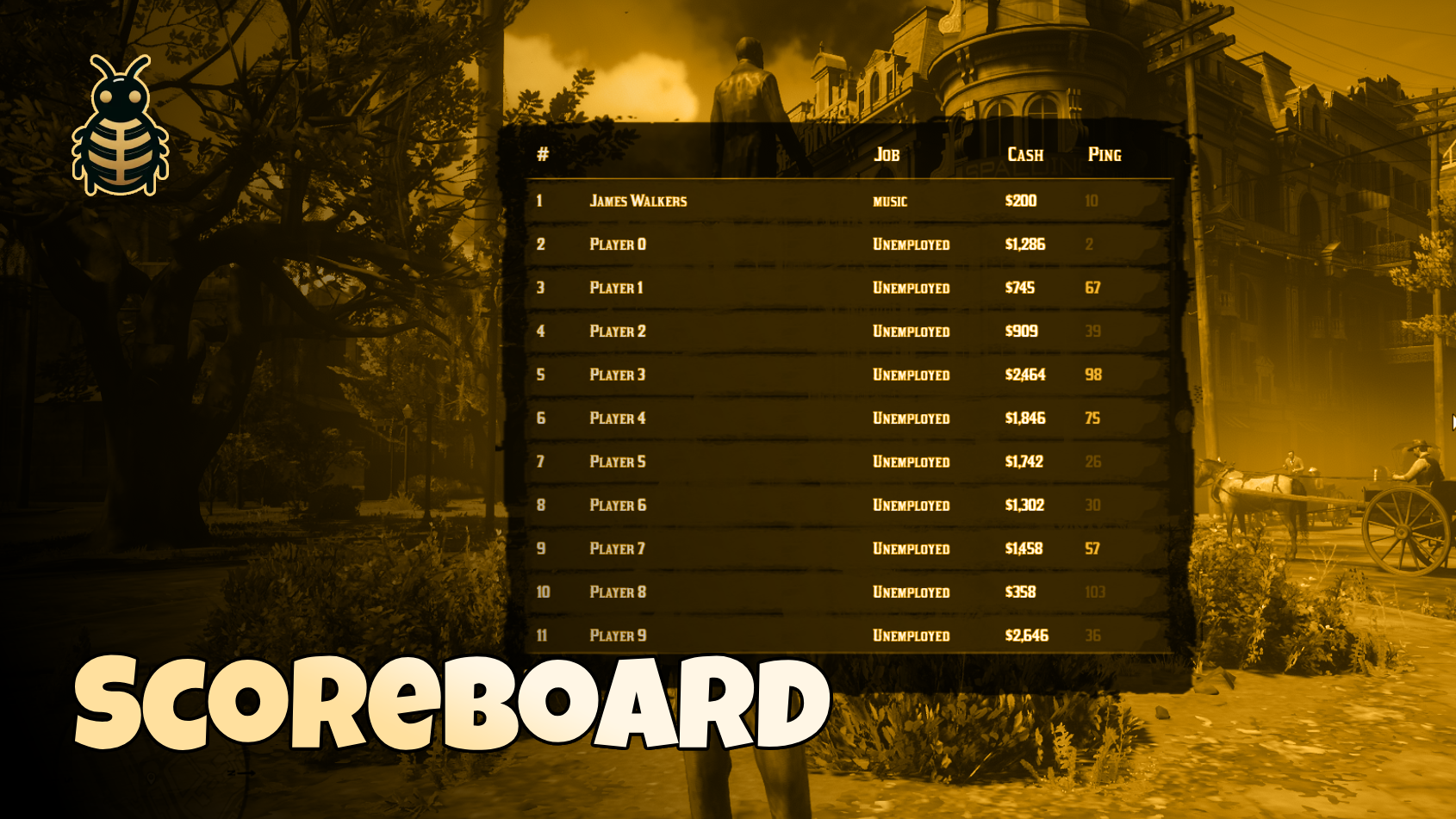
📺 Preview
🔽 Get it Now
A simple scoreboard system for RedM servers that displays a list of players and their information including names, jobs, money, and ping. Settings can be changed and modified to your needs.
✨ Features
- 👥 Player list — Open with a key press or command
- 📊 Player info — Names, jobs, money, and ping
- 🟢 Ping colors — Color-coded ping indicators
- ⚙️ Configurable — Key, command, title, and test data toggle
- 🖥️ Vue.js frontend — Smooth rendering
- 🔌 Framework integration — Works with major RedM frameworks via bln_lib
💻 Framework compatibility
✅ VORP ✅ REDEMRP (old/2023) ✅ RSG ✅ QBR
📦 Dependencies
- bln_lib — Framework compatibility and utilities
⚙️ Installation
- Download from GitHub and extract
bln_scoreboardinto your resources folder - Ensure bln_lib is installed and started first
- Add
ensure bln_scoreboardto yourserver.cfg - Set
showFakeData = falsein production (see configuration) - Restart the server
🎮 Usage
| Input | Action |
|---|---|
/playerslist | Opens the scoreboard (command is configurable) |
| Z | Toggle scoreboard (default key — configurable) |
| ESC | Close scoreboard |
🛠️ Configuration
lua
Config = {
    key          = 0x26E9DC00,                -- Key to open the players (Z)
    command      = 'playerslist',             -- Command to open the players.
    title        = 'Players List',            -- Title on the board.
    showFakeData = true,                      -- Show fake data if there are no players (only for testing).
}
💡 Notes
- Set
showFakeData = falsein production to disable test data generation.
🤝 Support
Need help? Have questions? Join our Discord server for support and updates!
- 💬 Discord: Join Our Community
- 🎮 Live support and community help
- 🔄 Regular updates and improvements
Built with ❤️ by BLN Studio